How do I create products in SportMember accounting?
Det er ikke noe svar på dette spørsmålet knyttet til bruken av SportMember fra appen.
How to create products
- Click on Club in the top left corner
- Click on Accounting and Products
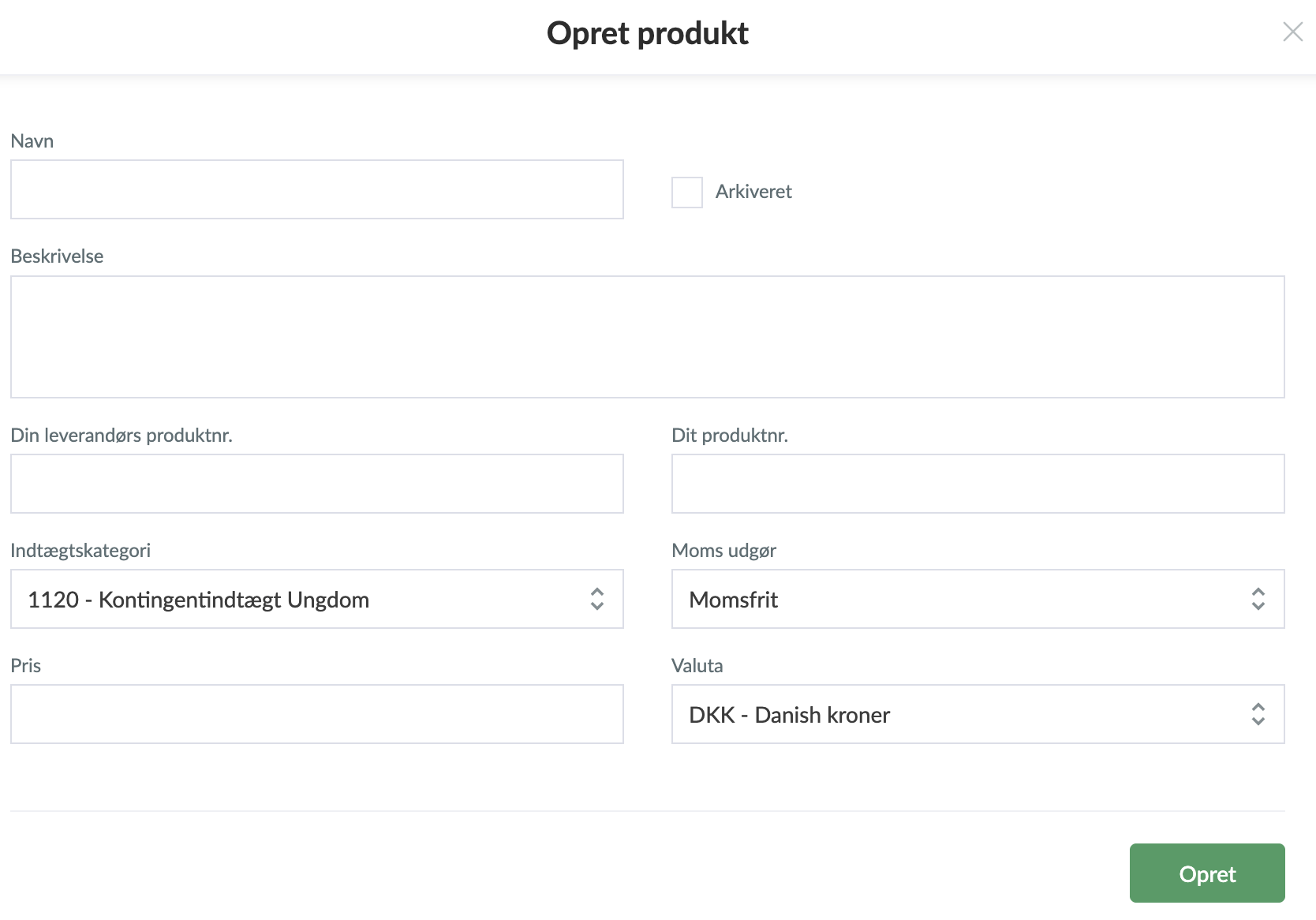
- Then click Create product and fill in the fields:
- Name: e.g. "Membership fee", "Senior membership fee", "Passive members" etc.
- Revenue category: Select the account (in the chart of accounts) to which the product should be recognized as revenue.
- VAT: Select whether it should be subject to VAT or VAT-free. NOTE: In the UK, associations must check for themselves whether they are subject to VAT.
- Click Create when you have entered the required information.
The products you create will typically be used for the charges you generate via SportMember: membership fees, payment activities, booking, ticket sales, webshop, etc.
TIP: - Use the same name for the product as the revenue account - it makes administration and bookkeeping easier.
- You can see an overview of your revenue accounts under: Reports → Balance.
- The products make it possible to integrate collections made in SportMember with the automatic bookkeeping.
Var denne artikkelen til hjelp?
0 av 0 synes dette var nyttig