PRO
How to create an activity for all teams in the club?
Det er ikke noe svar på dette spørsmålet knyttet til bruken av SportMember fra appen.
Open the Club Calendar
- Click on Club in the top left corner
- Click on Club calendar
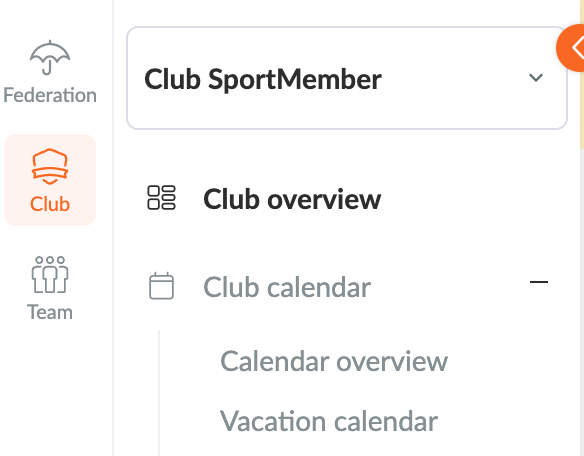
In the Club Calendar you can now create a Club Activity
- Click on the green Create Activity button on the right of the screen
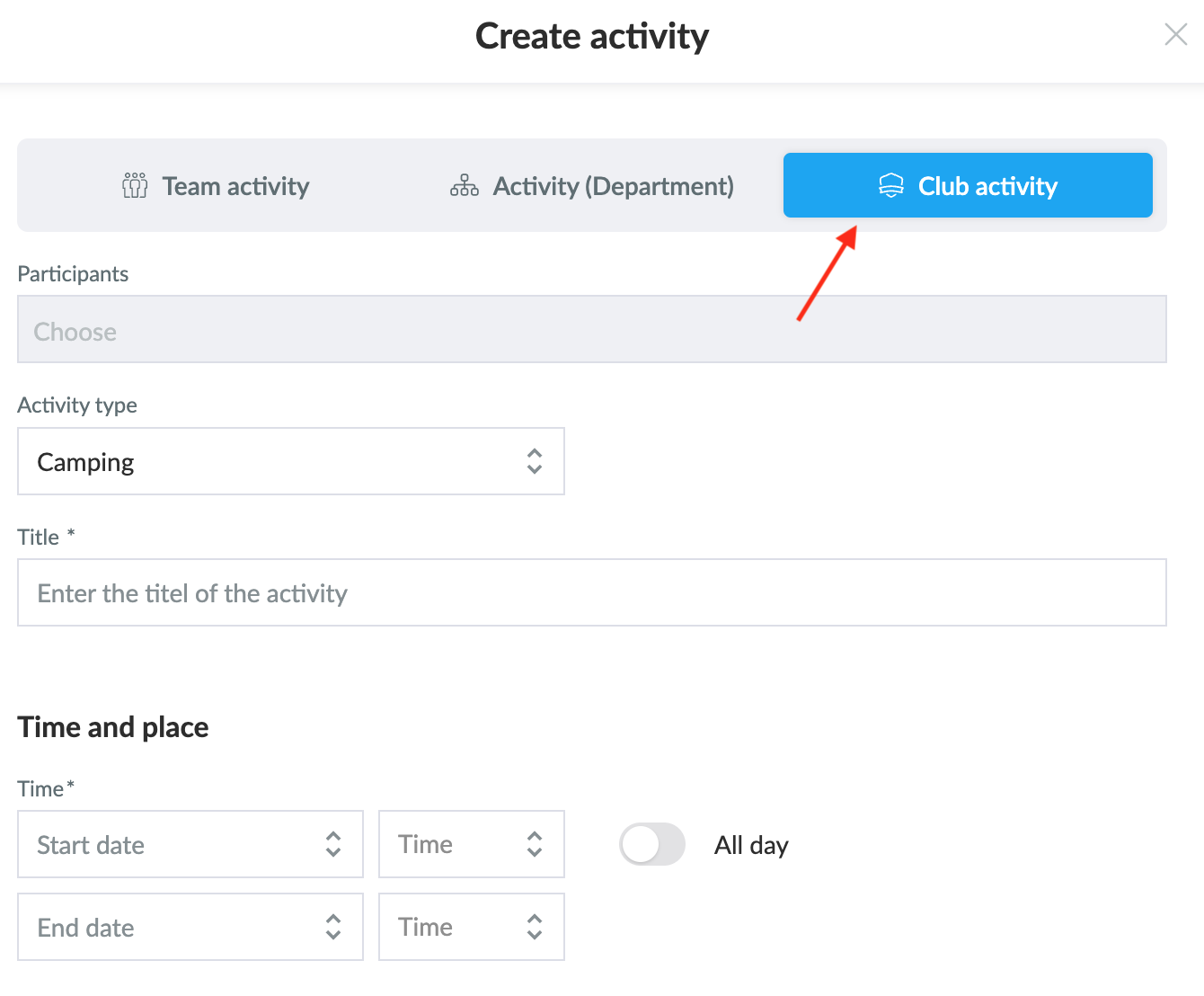
- Select Create Club Activity
- Fill in the necessary information about the activity as you normally would when creating an activity on a team.
TIP: you can also create a department activity here, which acts as an activity for selected teams.
Var denne artikkelen til hjelp?
1 av 2 synes dette var nyttig