PRO

How do I define club terms that members must accept?

What are club terms used for?

- The club's own terms and conditions, which all members must read and accept in order to use SportMember/join the club


- Typically used for image acceptance on website, consent of disclosure of medical needs etc.


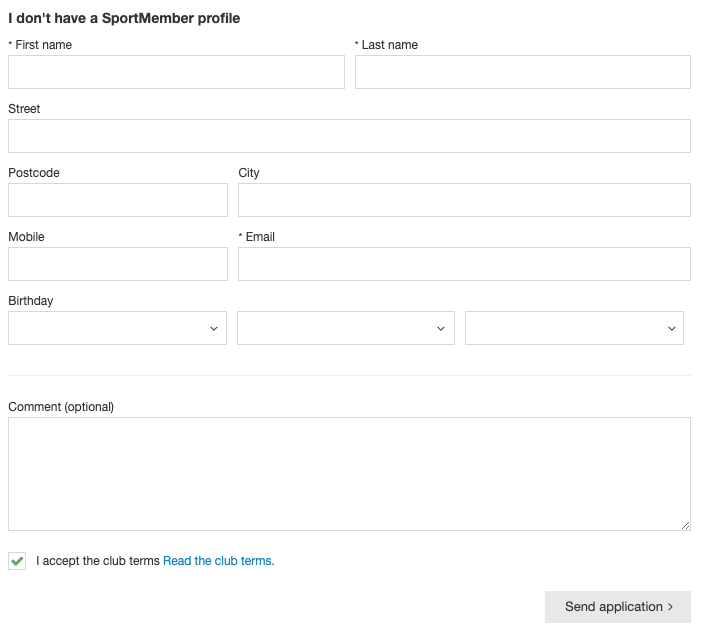
- New members must agree directly when creating on SportMember


- Existing members will be asked to accept when using the SportMember app


- If you make changes to club terms and conditions, all existing members will be asked to accept them again
Det er ikke noe svar på dette spørsmålet knyttet til bruken av SportMember fra appen.

Create club conditions


Open Club Settings and Club Conditions

  1. Click on  at the bottom left
  2. Click on Club Conditions on the left
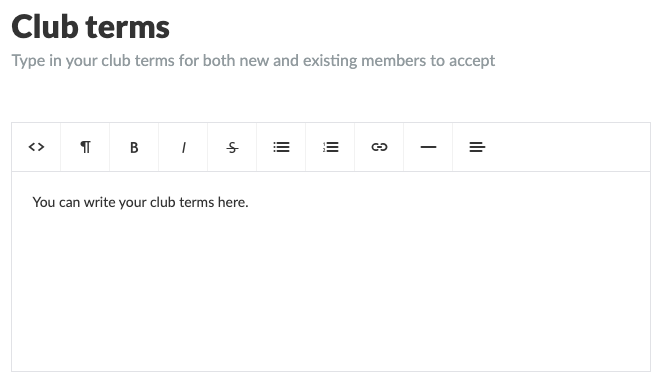
  3. Define your club conditions and finish with the green Save button


  • TIP: Use bold, italics, bullets, numbering, links etc. as you wish


Once you have created the club terms, it will show up in three places:

1) On registration forms on the club website, if you are using the SportMember's website module. All new members MUST accept before team request.


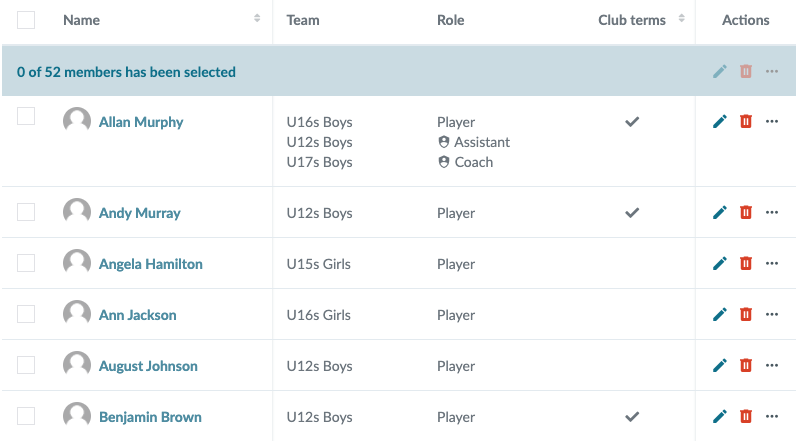
2) In the club membership list on Holdsport. AClub Terms column will appear here, with the field either blank if the member has NOT yet accepted club terms, and checked if the member has accepted club terms.


3) On the member's app, where all existing members are asked to read and accept the club terms.


Note: If you change the text in the club terms, all members will be asked to accept them again. In your member overview, everyone will be unchecked again.


Var denne artikkelen til hjelp?
0 av 0 synes dette var nyttig

Klar til å komme i gang?

Klubben din på din måte! Administrer klubben din med SportMember og lette arbeidsbelastningen. Vi vil gjerne hjelpe deg i gang. Opprett en konto med en gang.
Hva koster det?
Hvilke behov har klubben din? Basis- eller PRO-abonnement?
Prisdetaljer
Funktionsoversigt
Ingen klubber er like. Våre funksjoner dekker dine behov.
Funktionsoversigt