PRO

How do I create departments in the club?

What is a department?

- A grouping of teams, for example year groups, sports or otherwise teams that have something to do with each other.


- The advantage is that you can communicate activities at department level. That means sending emails to the whole department, or creating activities for all teams in the department at once.
Det er ikke noe svar på dette spørsmålet knyttet til bruken av SportMember fra appen.


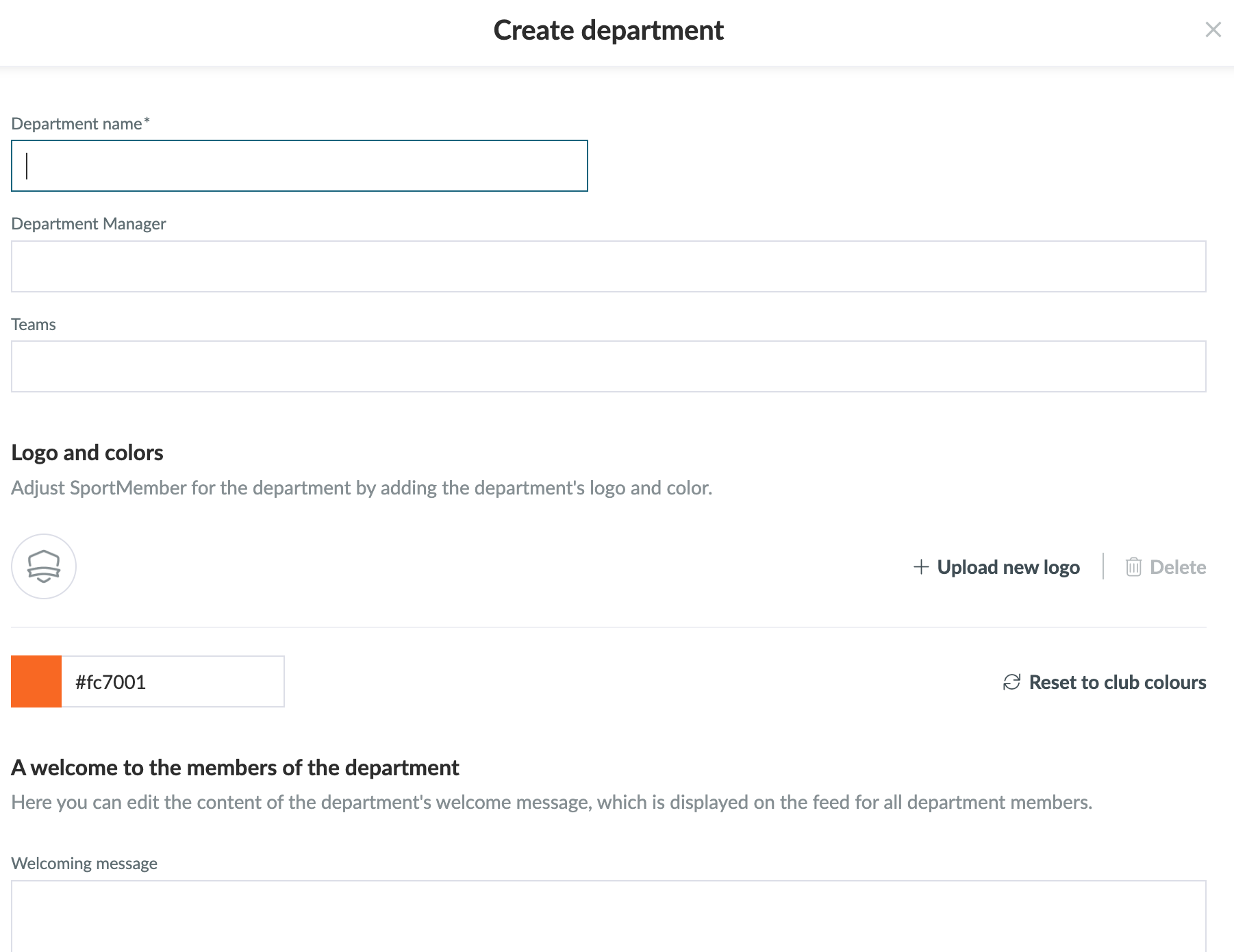
Open Departments in the club and Create department

  1. Click on   Club in the top left corner
  2. Click on  Departments
  3. Click on the green Create department button on the right of the screen
  4. Enter the name of the department
  5. Select a department manager
  6. Then, add the teams that belong to the department
  7. You can optionally customize the department by adding a logo and choosing a colour
  8. You can also optionally add a welcome message, which will be displayed in the department members' news feed
  9. Click on Save


TIP: A department manager can be anyone in the club.
This person has access to the teams associated with the department. So he/she can create activities/communicate with the team even if he/she is not on that team.

Var denne artikkelen til hjelp?
0 av 105 synes dette var nyttig

Klar til å komme i gang?

Klubben din på din måte! Administrer klubben din med SportMember og lette arbeidsbelastningen. Vi vil gjerne hjelpe deg i gang. Opprett en konto med en gang.
Hva koster det?
Hvilke behov har klubben din? Basis- eller PRO-abonnement?
Prisdetaljer
Funktionsoversigt
Ingen klubber er like. Våre funksjoner dekker dine behov.
Funktionsoversigt