How do I make a purchase in the webshop?

About the webshop in SportMember:

- Your club's webshop, where you can buy club products


- Only visible if your club has set up a webshop and added products


- Buy an unlimited number of items in one combined order


- Select size/name print


- Pay by payment card directly in the SportMember app
Open the Webshop

  1. Click on in the bottom right corner
  2. Click on WEBSHOP
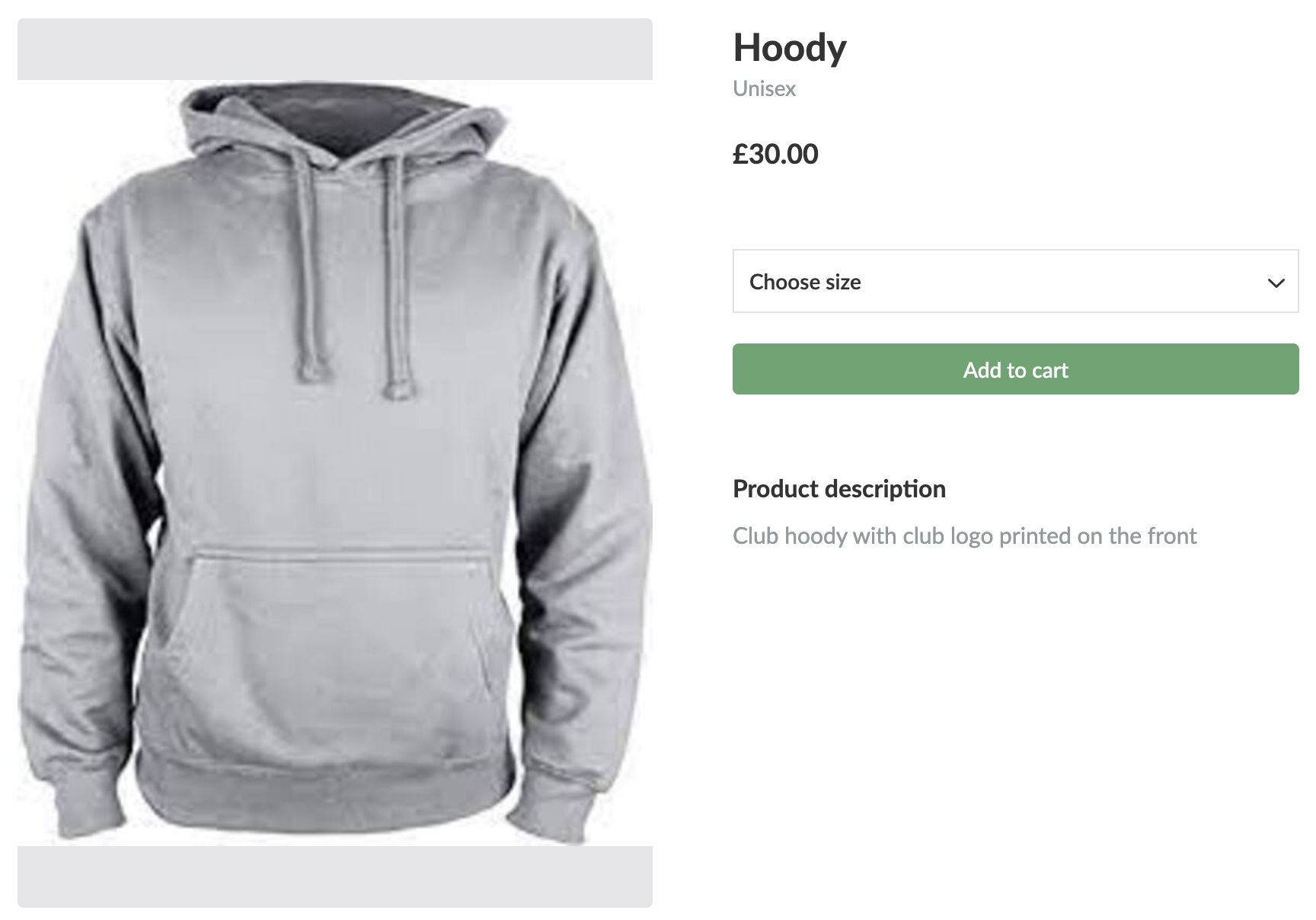
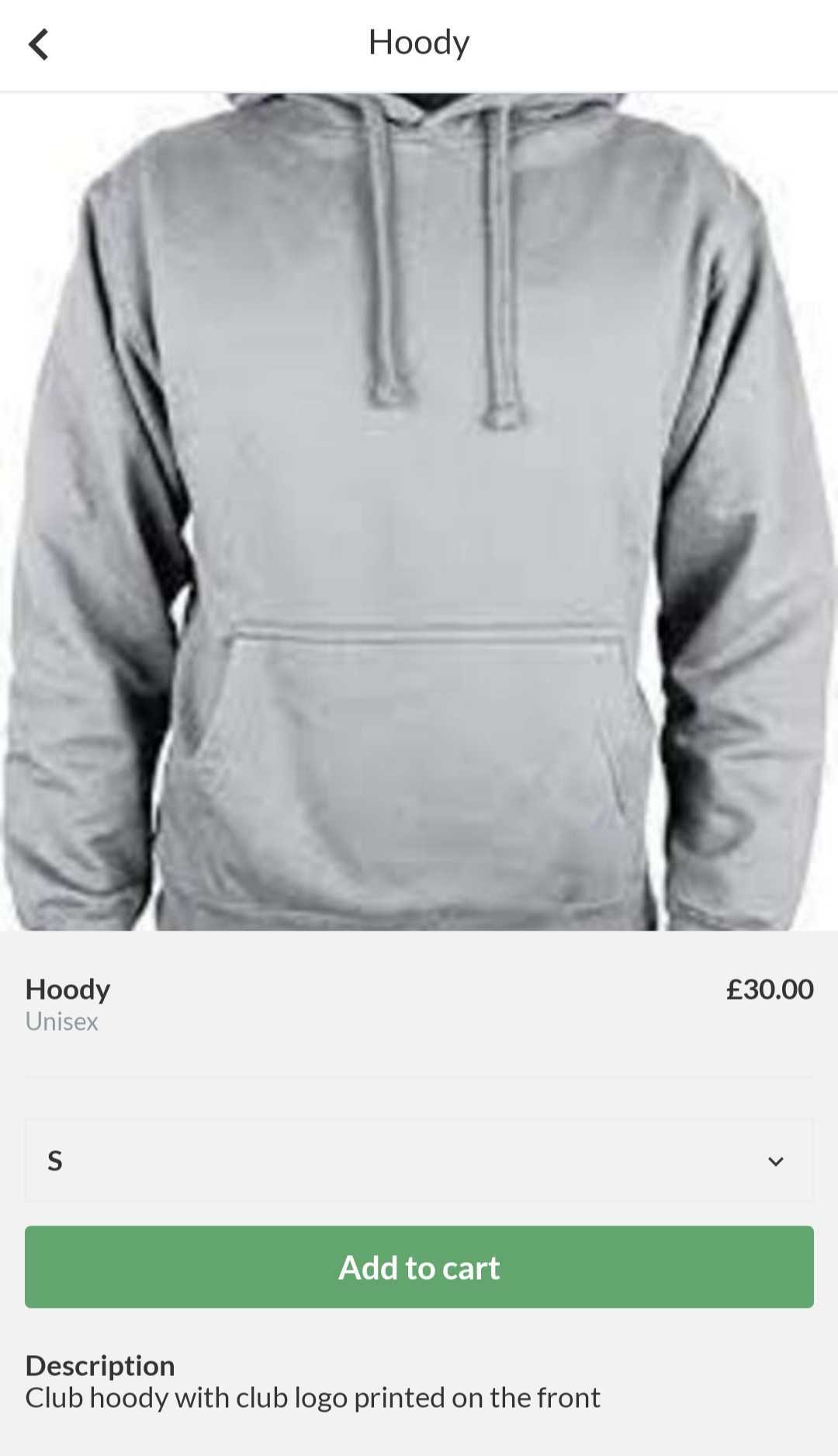
  3. Find the product (possibly via the search field) and click on the image of the product
  4. Select size, name print and click on the green button Add to cart
  5. The item has now been added to the shopping cart. Click Continue shopping or Go to your cart


In your cart, you must accept the terms and conditions and the club's order handling.Then click on Buy and enter your card details to make the purchase.


Open the Webshop

  1. Click on  on the left
  2. Click on WEBSHOP on the left
  3. Find the product (possibly via the search field) and click on the image of the product
  4. Select size, name print and click the green button Add to cart
  5. The item has now been added to the shopping cart. Click Continue shopping or Go to your cart


When you have finished shopping, go to your cart.

Here you must accept the terms and conditions and the club's order handling.

Then click on Buy and enter your card details to make the purchase.


Var denne artikkelen til hjelp?
0 av 0 synes dette var nyttig

Klar til å komme i gang?

Klubben din på din måte! Administrer klubben din med SportMember og lette arbeidsbelastningen. Vi vil gjerne hjelpe deg i gang. Opprett en konto med en gang.
Hva koster det?
Hvilke behov har klubben din? Basis- eller PRO-abonnement?
Prisdetaljer
Funktionsoversigt
Ingen klubber er like. Våre funksjoner dekker dine behov.
Funktionsoversigt