- To make sure your club members pay their membership fees on time, you have the option to enable automatic payment of membership fees.
- That way you don't have to remind people for non-payment
Go to Club settings and Payments
If you want to ensure that all club members pay their dues on time, you have the option to automate the collection of membership fees.
To do this, you need to enable the automatic payment option in Club Settings. This means that members will have to save their payment details the first time they make a payment and the following months the money will be deducted automatically.
As soon as a member resigns from the club, SportMember will stop the automatic charges.
Under Credit/debit cards , select Member are forced to save their credit/debit card info and finish with the green Save button at the bottom of the page.
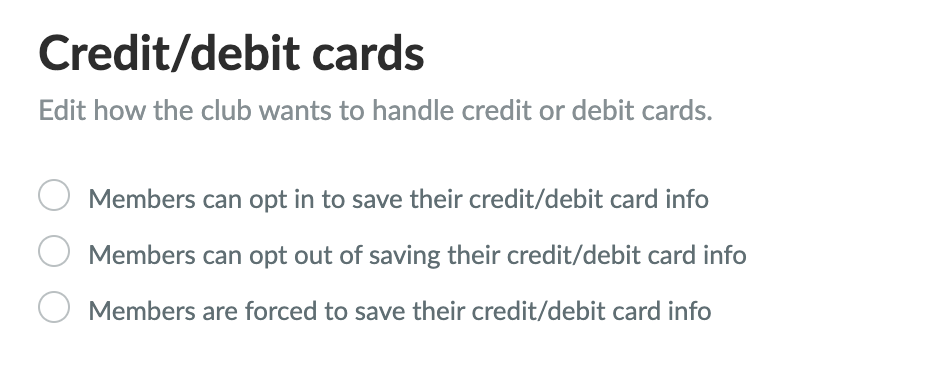
NOTE: If you enable this option, ONLY the member's first invoice will be received by email 14 days before the due date. Here, the member enters their card details, which are saved in the system so that future transactions are done automatically.
This means that they will instead receive a receipt by email when the payment is automatically deducted.
TIP: Members can view/change their payment method under Profile settings > Membership fee